Never miss the ship. Enjoy the cruise.
The free cruise planner that keeps ship time, sounds a loud all-aboard alarm, and builds your whole itinerary from a forwarded confirmation email.


Free to download. iPhone, Android, and your watch. No subscription, no paywall.
Add your cruise in seconds.
All Aboard is a free cruise planner app. Don't type a thing: forward your cruise line's confirmation email and it builds your whole itinerary for you, with the ports, sea days, times, and reservations.
Forward your confirmation. Your cruise is ready.
Create a free All Aboard account, then forward your cruise-line confirmation from that same email address, so we know the cruise is yours. We build it automatically; you just review it.
import@allaboardcc.comUpload or paste
Drop a PDF or paste your confirmation into the free Web Planner and All Aboard extracts it.
Enter it yourself
Build your cruise by hand on the web or in the app. Always available, and it works with any cruise line.
Review & edit
However it comes in, you review and fix every detail before it's added. Import. Review. Cruise.
Joining someone's cruise?
Traveling with family or friends who already use All Aboard? Accept their invitation and share the same cruise, and reservations and plans stay in sync across your separate accounts.
Ship time and an all-aboard alarm you can trust.
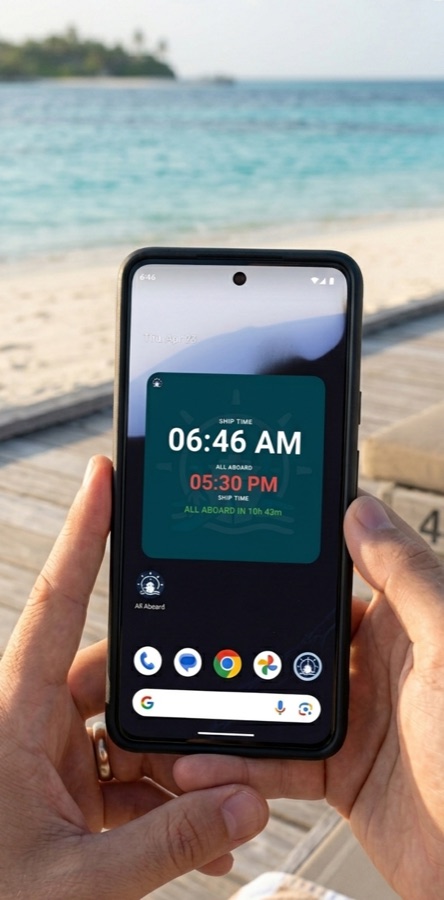
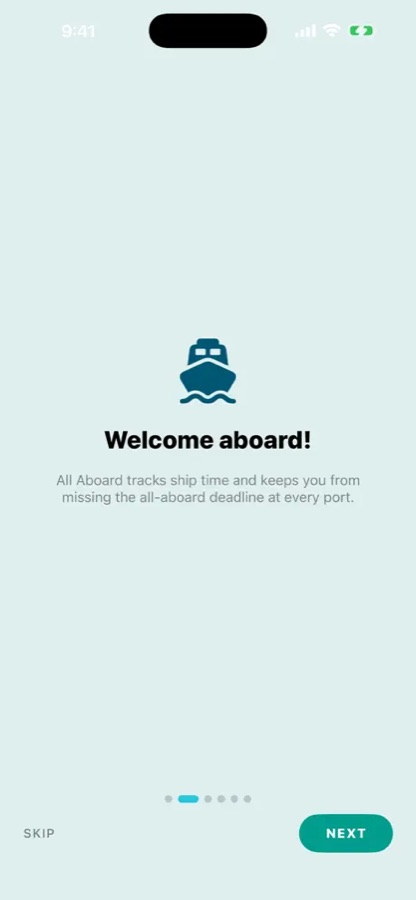
Your phone grabs the local port's time the moment you step ashore, which is exactly how people miss the ship. All Aboard pins the ship's time, counts down to the all-aboard deadline, and sounds a loud alarm that breaks through Do Not Disturb.
- Ship-time clock with a manual timezone offset
- Set the all-aboard deadline for every port
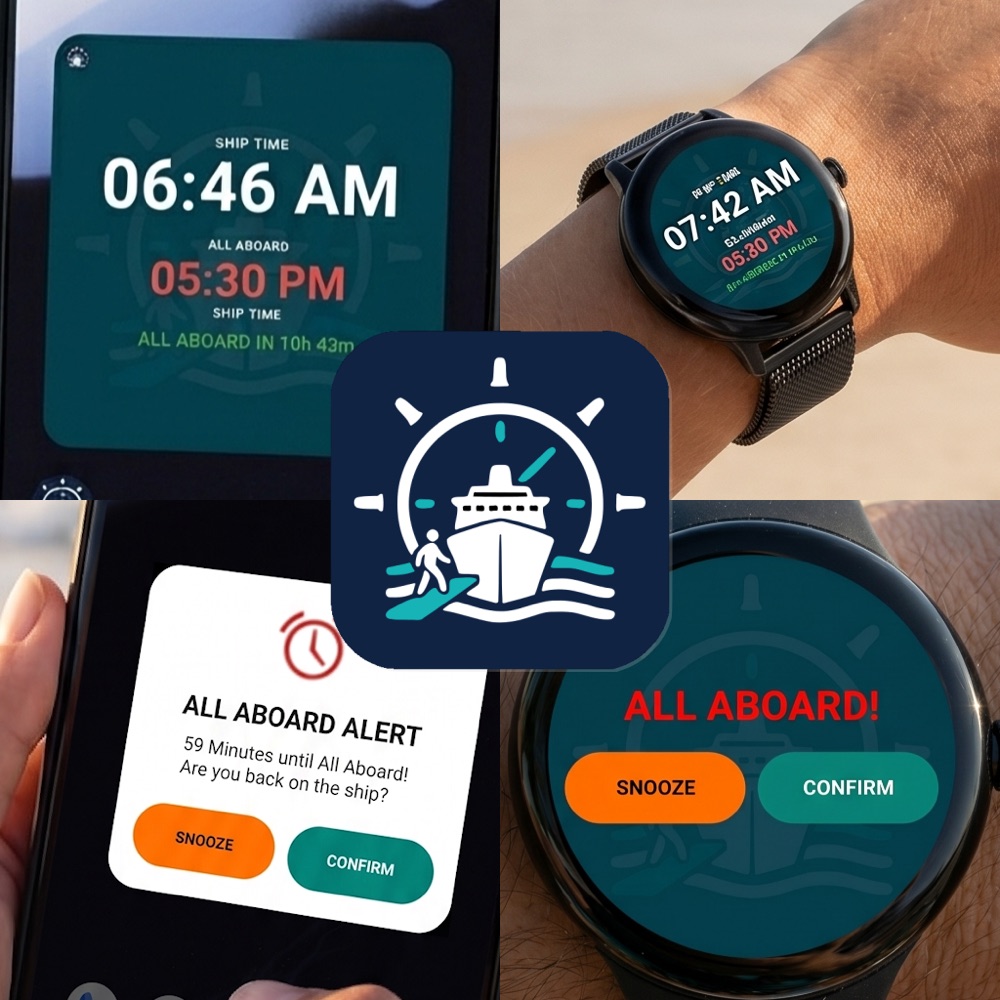
- Loud boat-bell alarm plus a lock-screen and watch countdown
Every port and sea day, laid out and on time.
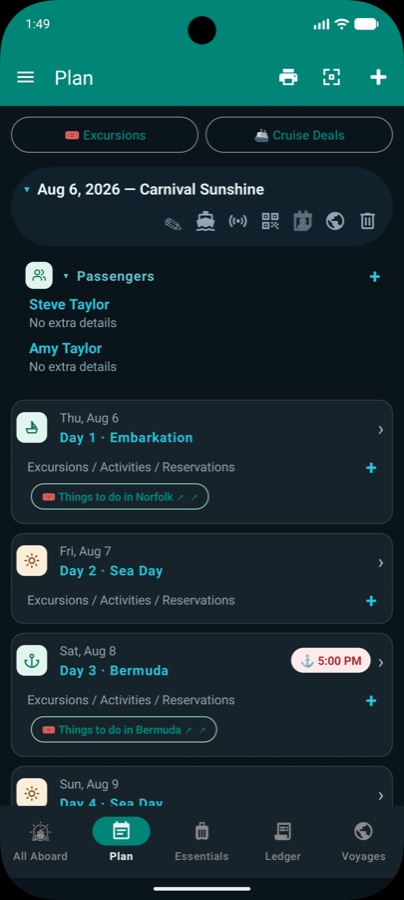
All Aboard maps your sailing day by day (embarkation, each port, sea days, and disembarkation), with the all-aboard time shown in ship time. Add shore excursions, dining, and travel to any day, and print or save your itinerary as a PDF.
- Embark, port days, sea days, and disembark
- Add excursions, dining, and reservations to any day
- Set a reminder before any plan, from dinner to online check-in
- Browse and book shore excursions for each port
Share your cruise. Everyone stays in sync.
Invite the people you're traveling with and share the same cruise across your separate accounts. Update a dinner reservation or a plan and your party sees it too. Free Cloud Sync keeps every device (phone, tablet, and the web planner) in step, and works offline once you're set up.
- Invite family and friends to a shared cruise
- Free Cloud Sync across phone, tablet, and web
- Works offline once your cruise is set up
Made for real cruise days.
More than a countdown.
Everything a cruise day needs, in one free app you can use right alongside your cruise line's official app.
Reminders
Set a reminder for any plan (a dinner, an excursion, or online check-in) and get a nudge before it, on top of the loud all-aboard alarm.
Currency converter
Convert prices in a tap. All Aboard suggests the local currency for each port you visit, so you always know what you're spending.
Port news & weather
Local news and the forecast for every destination, so you know what to expect before you head ashore.
Emergency essentials
An offline emergency card, an embassy finder, and local emergency numbers for each port, plus cruise community links.
Packing lists
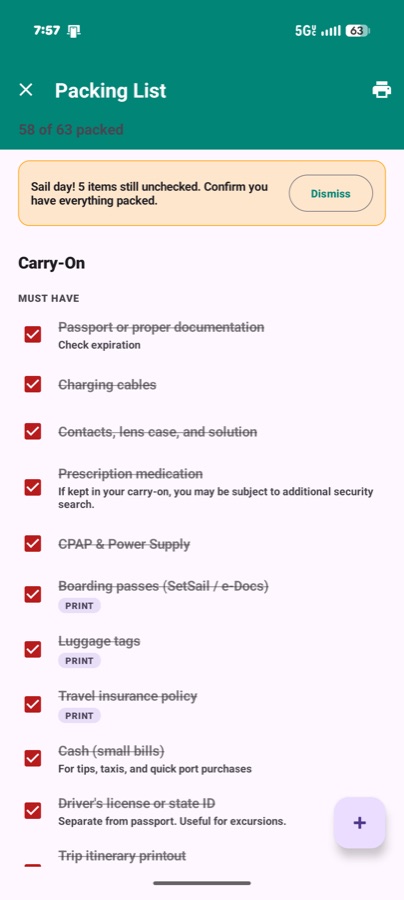
60+ bundled items grouped by luggage type, plus a What-Not-to-Pack list with cruise-line policy links.
Trip spending
Log every purchase by category (drinks, dining, gratuities, excursions) and watch your running balance.
Shore excursions
Browse and book excursions for each port, right inside your day-by-day plan.
Watch & widgets
A watch tile with its own synced alarm, a home-screen widget, and a lock-screen countdown.
Cruise history
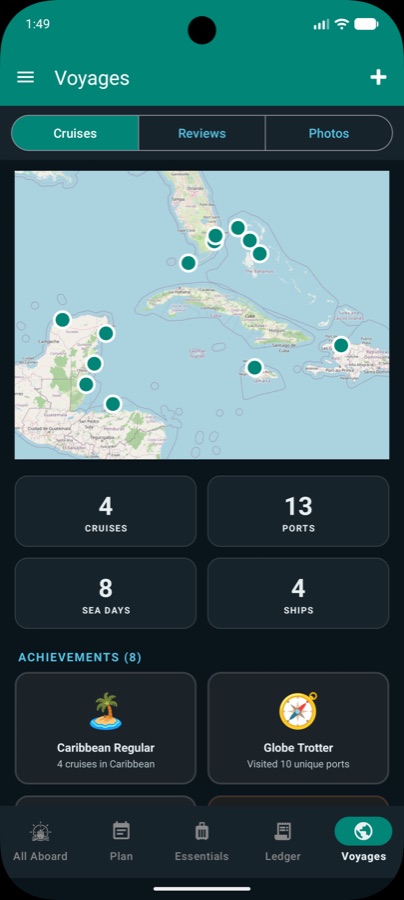
Every sailing is archived in Voyages, so you can look back or reuse a past trip as a template.
How it works
Add your cruise
Create a free account, then forward your confirmation from that email, or upload it to the Web Planner, or enter it yourself. Review the details.
Set ship time
On embarkation day, set the ship's time and each port's all-aboard time so the countdown is always right.
Explore, stress-free
Watch the countdown on your phone, watch, or widget and let the alarm get you back to the gangway on time.
Prefer a big screen? Use the Web Planner.
Upload a PDF or paste your confirmation into the free online Web Planner and All Aboard extracts your cruise. Or lay it out by hand, then it syncs to the app. You review and edit everything before it's saved.
Frequently asked
What is All Aboard?
All Aboard is a free cruise planner app for iPhone, Android, and your watch. It keeps ship time, sounds a loud all-aboard alarm before each port's departure, builds your day-by-day itinerary from a forwarded confirmation email, and bundles packing lists, onboard spending, port weather, and more in one place.
How do I add my cruise?
The easiest way: create a free All Aboard account, then forward your cruise line's confirmation email to import@allaboardcc.com from the same address you signed up with (that's how we know the cruise is yours) and All Aboard builds it for you. You can also upload a PDF or paste your confirmation into the free Web Planner, or enter the cruise yourself. Whichever you choose, you review and edit everything before it's added.
Is All Aboard really free?
Yes. Free to download and use, with no subscription and no paywall. Just the tools a cruiser actually uses.
Does the alarm get through Do Not Disturb?
Yes. The all-aboard alarm is a loud, full-screen alert (boat bell or horn, with vibration) built to break through Do Not Disturb before the ship leaves. Always cross-check the ship's posted all-aboard time too.
Does it work offline?
Once your cruise is set up, ship time, the countdown, the alarm, your itinerary, packing lists, and spending all work offline.
Can it remind me about my plans?
Yes. Add a reminder to any plan (a dining reservation, an excursion, or your online check-in) and All Aboard nudges you ahead of time, in addition to the loud all-aboard alarm before each port's departure.
What else does it do in port?
Beyond ship time and the alarm, All Aboard bundles a set of port Essentials: local news and weather for each stop, a currency converter that suggests the port's local currency, shore excursions, and offline emergency essentials including an embassy finder and local emergency numbers.
Can I share a cruise with my travel party?
Yes. Invite family or friends who use All Aboard and share the same cruise. Free Cloud Sync keeps everyone in step across separate accounts and devices.
Does it work on my watch?
Yes. There's a watch tile with its own alarm synced to your phone, plus a home-screen widget and an iPhone lock-screen / Always-On countdown.
Which phones are supported?
iPhone on the App Store and Android on Google Play. The Wear OS watch app installs automatically with the Android app.
Ready to set sail?
Download All Aboard free and never watch the clock again. We'll watch it for you.
All Aboard is a free cruise planner and cruise countdown app with ship time, an all-aboard alarm, plan reminders, a day-by-day itinerary, shore excursions, a currency converter, port news & weather, packing lists, onboard spending, cloud sync, and Apple Watch & Wear OS support, for every cruise line.